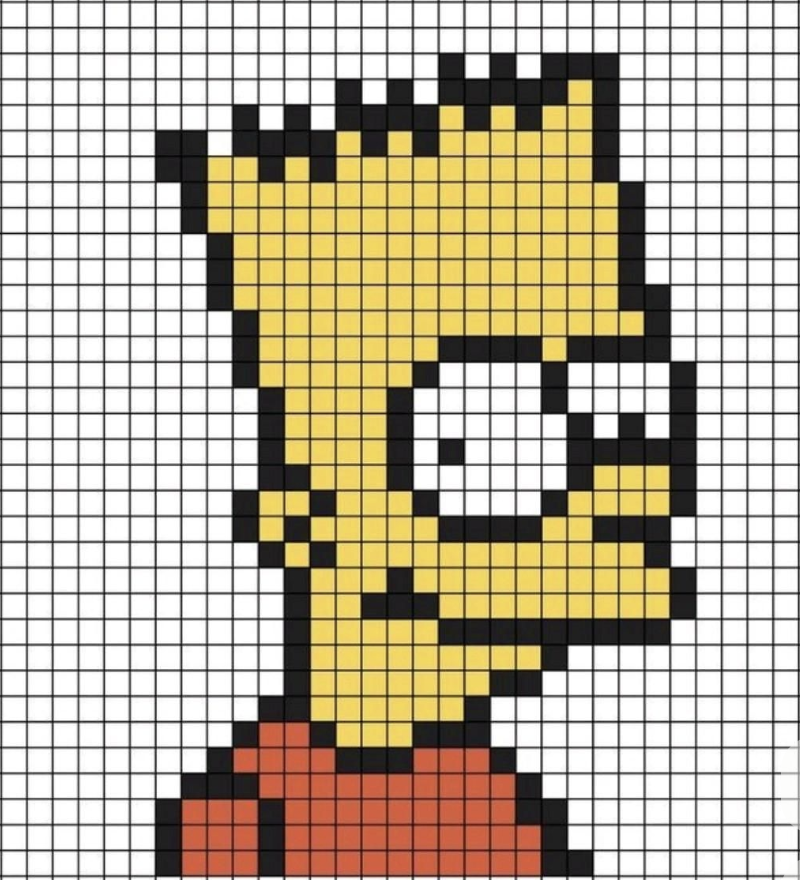
Transform Images into Pixel Art
Easily convert any image into stunning Minecraft pixel art with our intuitive online editor. Just upload your picture, and watch as it transforms into a block-based masterpiece to be showcased in your Minecraft world!
Kostenloser Minecraft-Bildkonverter online
Wandle Fotos, Logos, Charaktere und eigene Motive in eine Block-für-Block-Minecraft-Pixel-Art-Vorlage um.





2 Minecraft-Vorschau
Bild zu Blöcken
Lade ein beliebiges Bild hoch und verwandle es in Sekunden in Minecraft-Pixel-Art. Unser Bildkonverter analysiert dein Bild, ordnet Farben Minecraft-Blöcken zu und erstellt eine baubare Vorlage.
Easily convert any image into stunning Minecraft pixel art with our intuitive online editor. Just upload your picture, and watch as it transforms into a block-based masterpiece to be showcased in your Minecraft world!
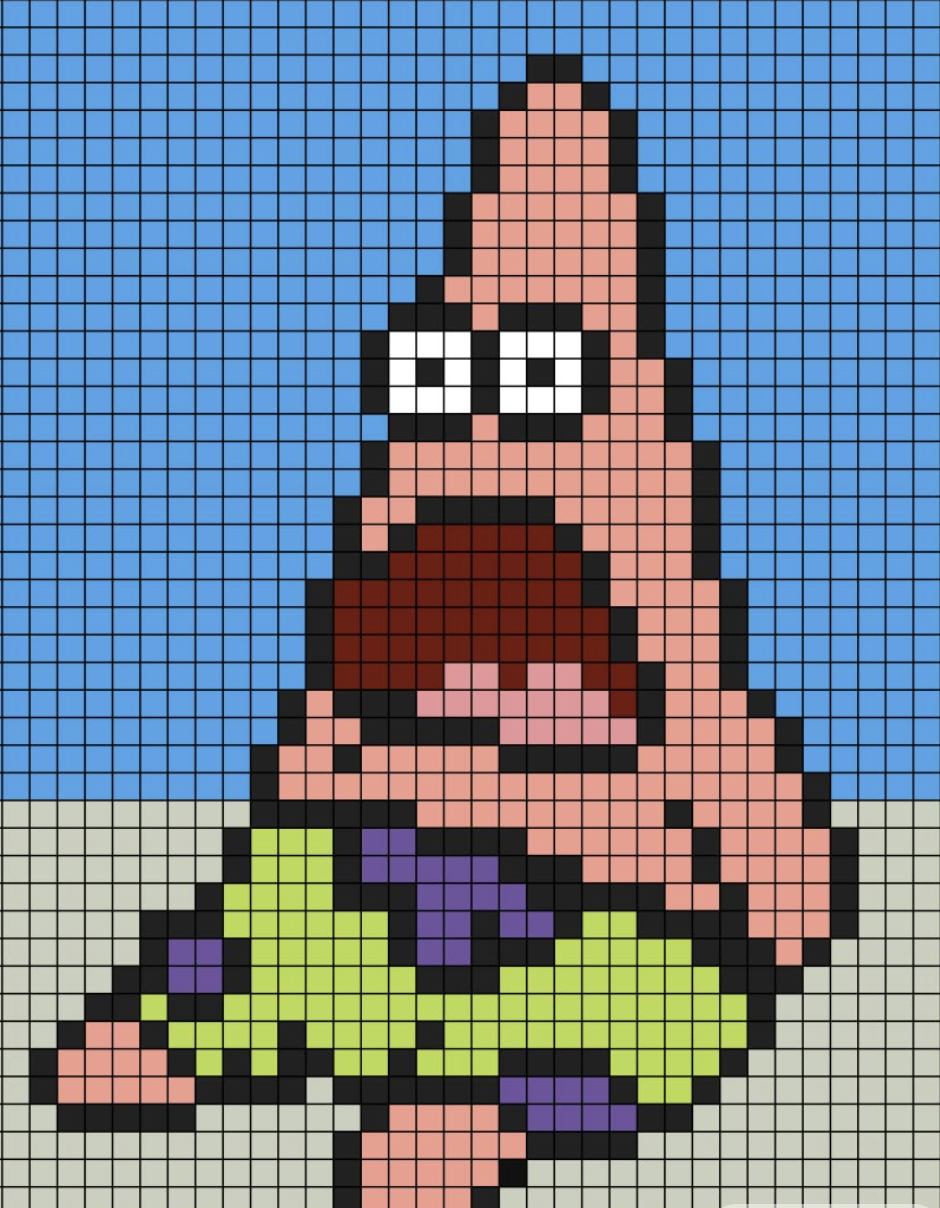
Choose from a wide array of Minecraft blocks to personalize your pixel art conversion. Tailor the appearance of your artwork by selecting the exact blocks that match your creative vision.
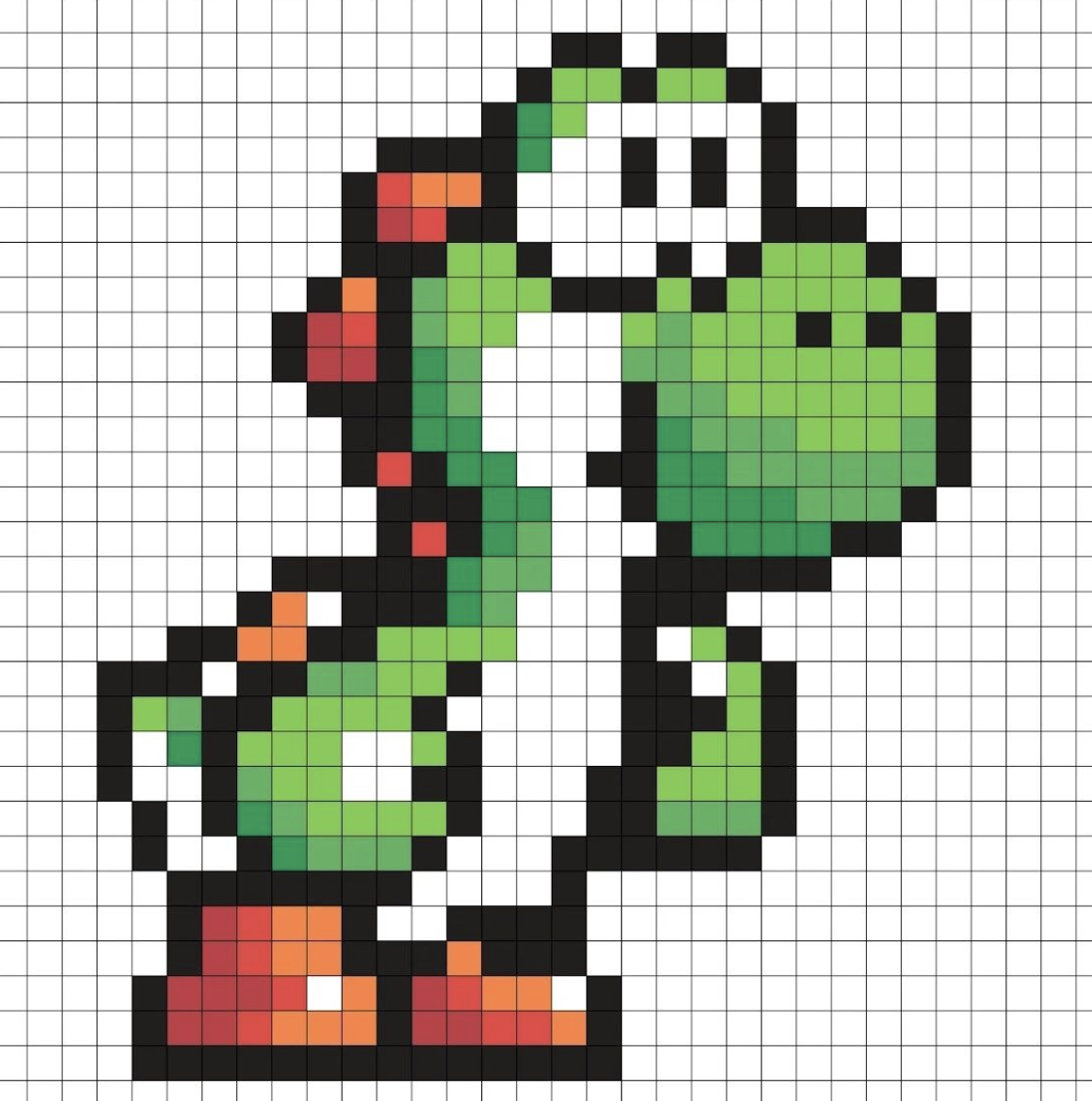
Refine your pixel art creation with a suite of powerful editing tools available in our editor. Make adjustments, enhance details, and perfect your design with user-friendly functionalities.
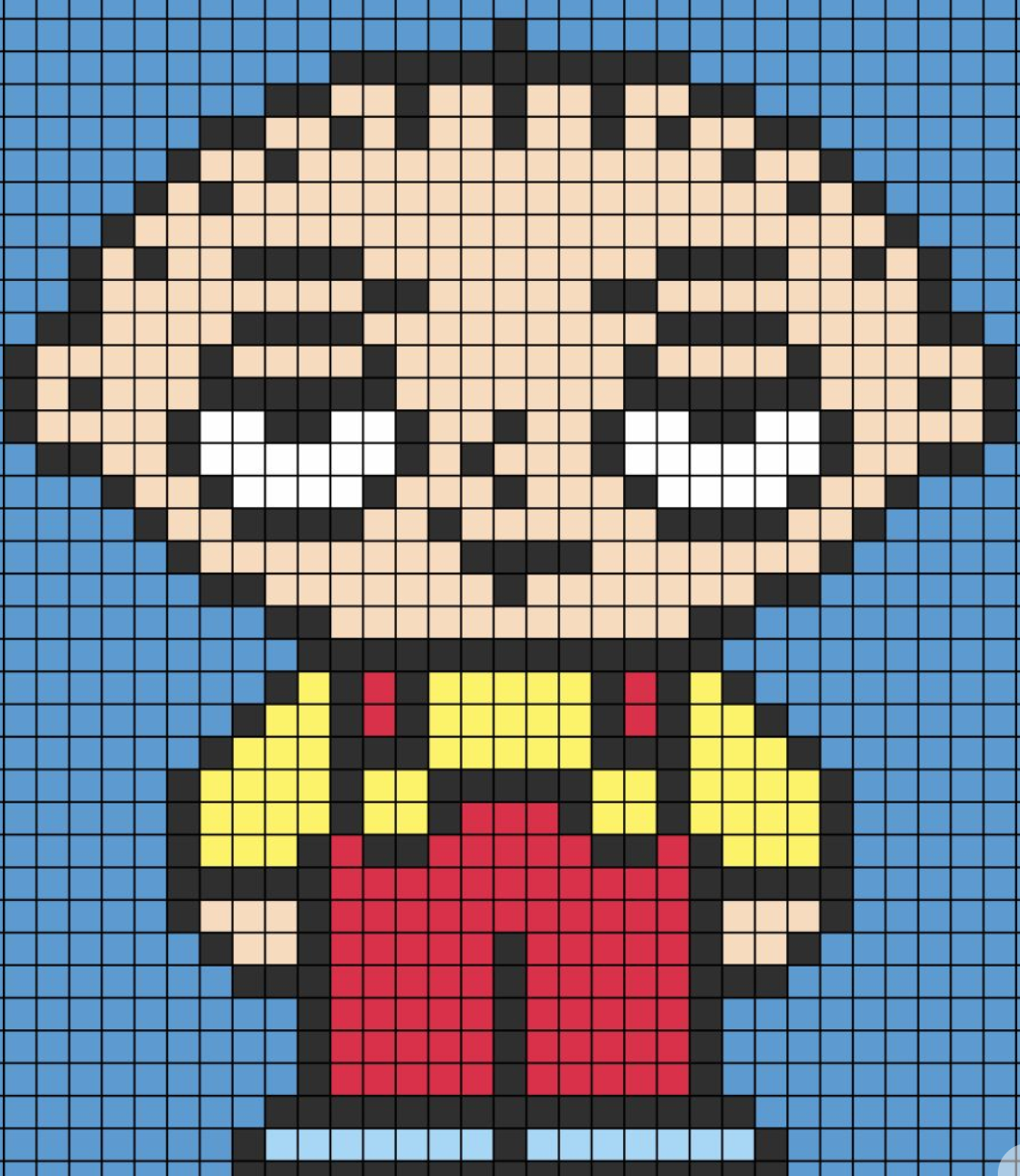
Bring your pixel art to life in Minecraft using a command block or an mcfunction file. Effortlessly integrate your creations into the game and impress your friends with your artistic skills.
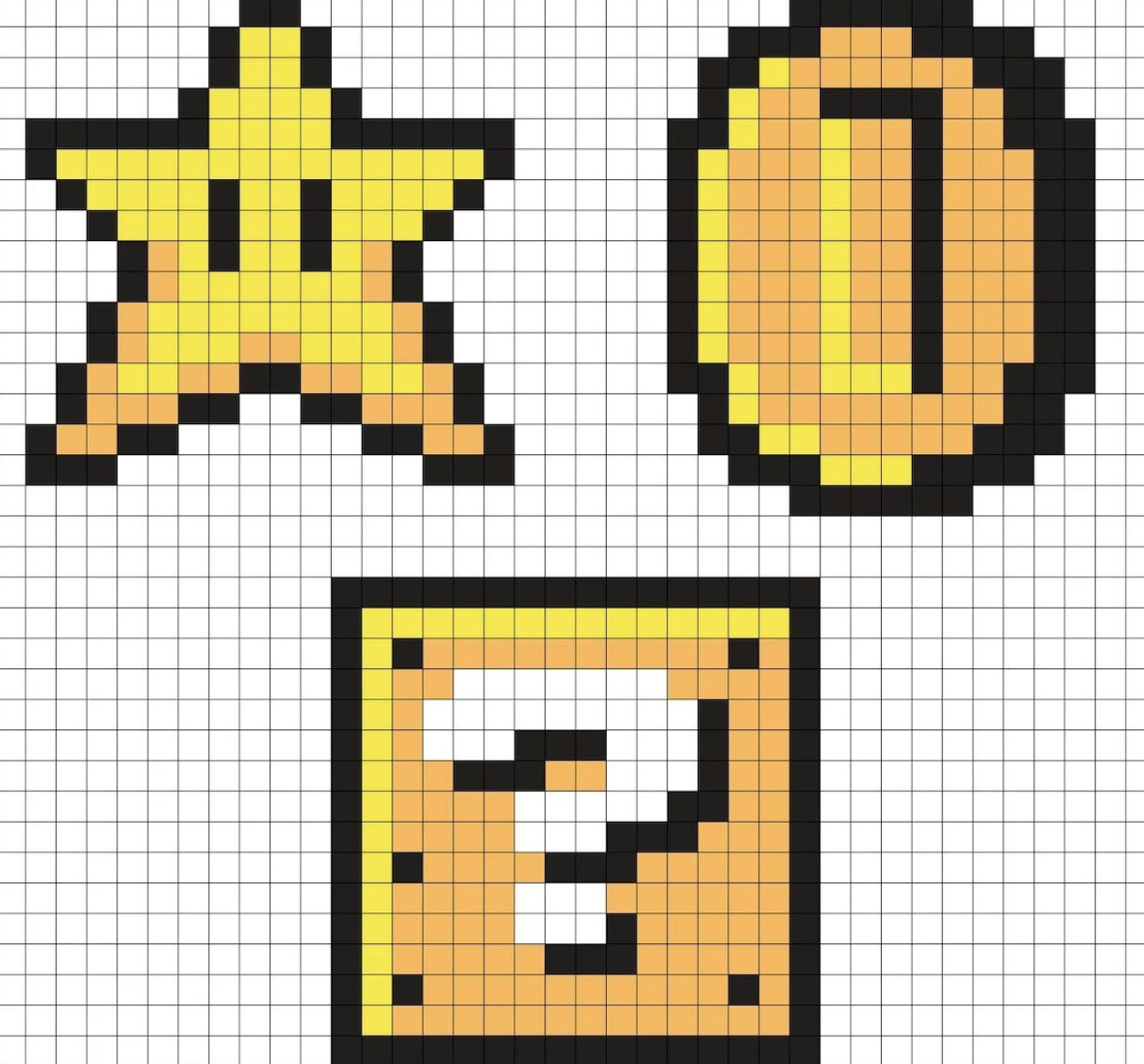
Save your pixel art creations effortlessly, allowing you to use them with the WorldEdit plugin. Share your unique schematics with the community and inspire others with your creativity!
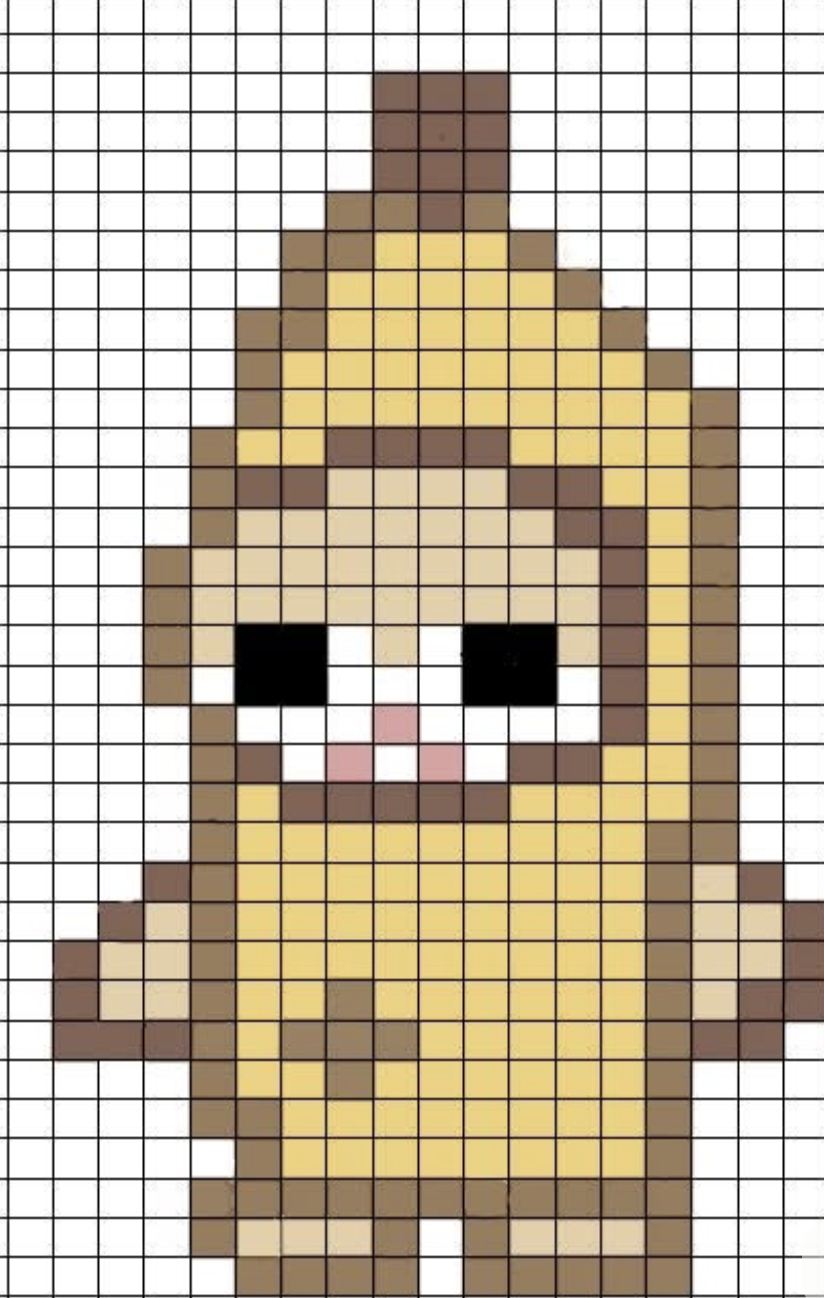
Get inspired by stunning examples of pixel art created using our Minecraft Image Converter. See the possibilities firsthand and unleash your creativity by starting your own project today!
So funktioniert es
Upload a photo, logo, anime character, game character, or custom artwork. The Minecraft pixel art generator will automatically analyze your image and prepare it for block conversion.
Choose the image width, block palette, color accuracy, and dithering style. You can also enable Survival Friendly mode to use blocks that are easier to collect in Minecraft.
Create a block-by-block preview of your design. The generator provides a complete block layout, color mapping, and a list of the Minecraft blocks needed for your build.
You can download your design as a PNG blueprint or export it as a Minecraft schematic file.
Follow the generated blueprint to recreate your image inside Minecraft. Use your design for base decorations, server artwork, map art, or large pixel murals.
Upload an image to generate your Minecraft pixel art blueprint.
Vergleich
Creating Minecraft pixel art manually can take hours.
Our image converter automatically transforms your image into a Minecraft block layout by:
Different images require different block combinations.
Our generator supports:
This helps create pixel art that looks better and is easier to build.
Traditional Minecraft pixel art creation requires:
Upload Image → Generate Pixel Art → Download Blueprint → Build In Minecraft
Whether you are creating:
The generator helps turn ideas into Minecraft builds faster.
Nutzerbewertungen
I recently tried the Minecraft Image Converter and I was blown away! The ability to convert any image into pixel art is incredible. I loved that I could choose different blocks for the conversion. The editor was super intuitive, making it easy to tweak my designs before building them in-game.
★★★★★
As a game designer, I found the Minecraft Image Converter to be a fantastic tool. It allowed me to create unique pixel art quickly and efficiently. The feature to save and share schematics was a game changer for collaborating with friends!
★★★★★
This tool is perfect for anyone looking to add a personal touch to their Minecraft worlds. I used the converter to create art from my favorite photos, and the results were stunning! The editing tools let me fine-tune my work perfectly.
★★★★★
I love how easy it is to turn my images into Minecraft pixel art! The conversion process was smooth, and I could immediately start building in-game. Being able to use command blocks or mcfunction files makes it even better!
★★★★★
Creating pixel art in Minecraft has never been easier! The online editor is user-friendly, and I appreciate the variety of blocks available for conversion. I highly recommend this tool for anyone wanting to get creative!
★★★★★
The Minecraft Image Converter is a lifesaver for creating art in my game. I was able to convert family photos into Minecraft scenes, and my friends were impressed! Saving my creations for later use with the WorldEdit plugin is such a helpful feature.
★★★★★FAQ
A Minecraft pixel art generator is an online tool that converts images into block-based Minecraft designs. Upload a photo, logo, character, or custom artwork, and the generator will create a block-by-block layout you can follow inside Minecraft.
The Minecraft image converter analyzes the colors in your uploaded image and matches them with suitable Minecraft blocks. You can adjust the output size, block palette, color accuracy, and dithering settings before generating the final design.
You can convert photos, logos, anime characters, game characters, icons, and other artwork into Minecraft pixel art. Images with a clear subject, strong contrast, and a simple background usually produce the best results.
Yes. You can customize the Minecraft block palette and control which blocks appear in your design. You can also use Survival Friendly mode to prioritize blocks that are easier to collect during Survival Mode gameplay.
Yes. After generating your MC pixel art design, you can view a material list showing the required Minecraft blocks and the quantity of each block needed for the build.
Yes. You can download your design as a PNG blueprint for manual building or export it as a Minecraft `.schem` file for use with compatible tools and editors. The schematic export makes it easier to import your pixel art into a Minecraft world without placing every block manually.
Videoanleitung
Sieh dir an, wie du ein Bild hochlädst, Blockeinstellungen anpasst und eine Minecraft-Pixel-Art-Vorlage erstellst.